

Relationship Checks
Automatically verify that relationship criteria are set for your components.
Relationship checks allow you to verify that a relationship is populated, as well as set constraints on how many resources can be associated through that definition. After populating your component types with rich Relationship Definitions, you can use this check to ensure your catalog's relationships are complete and correct.
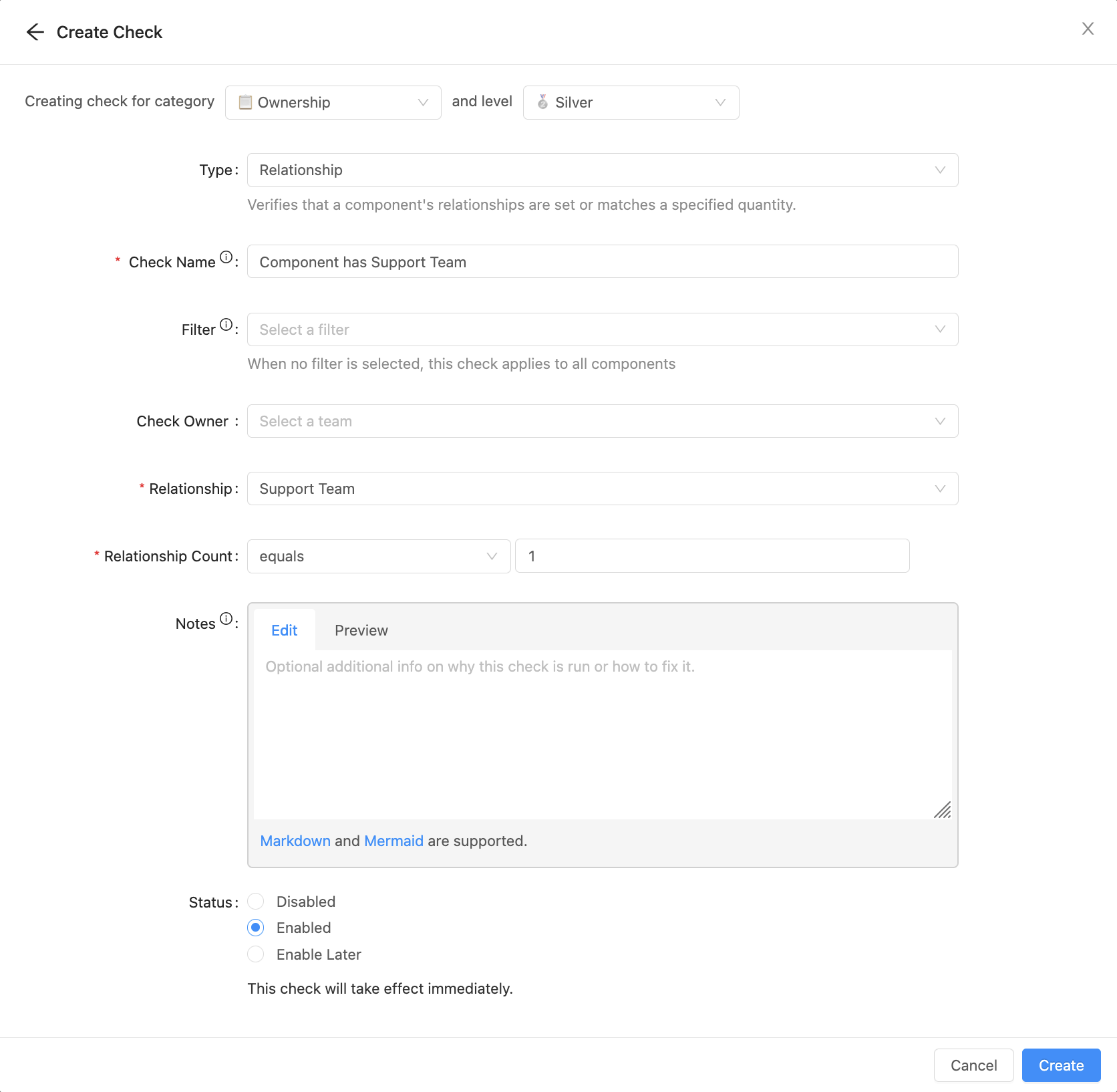
For example, you may want to verify that each component has exactly one support team. This ensures that a support team is explicitly defined and verifies that no component has blurred lines of support ownership by configuring multiple supporting teams.
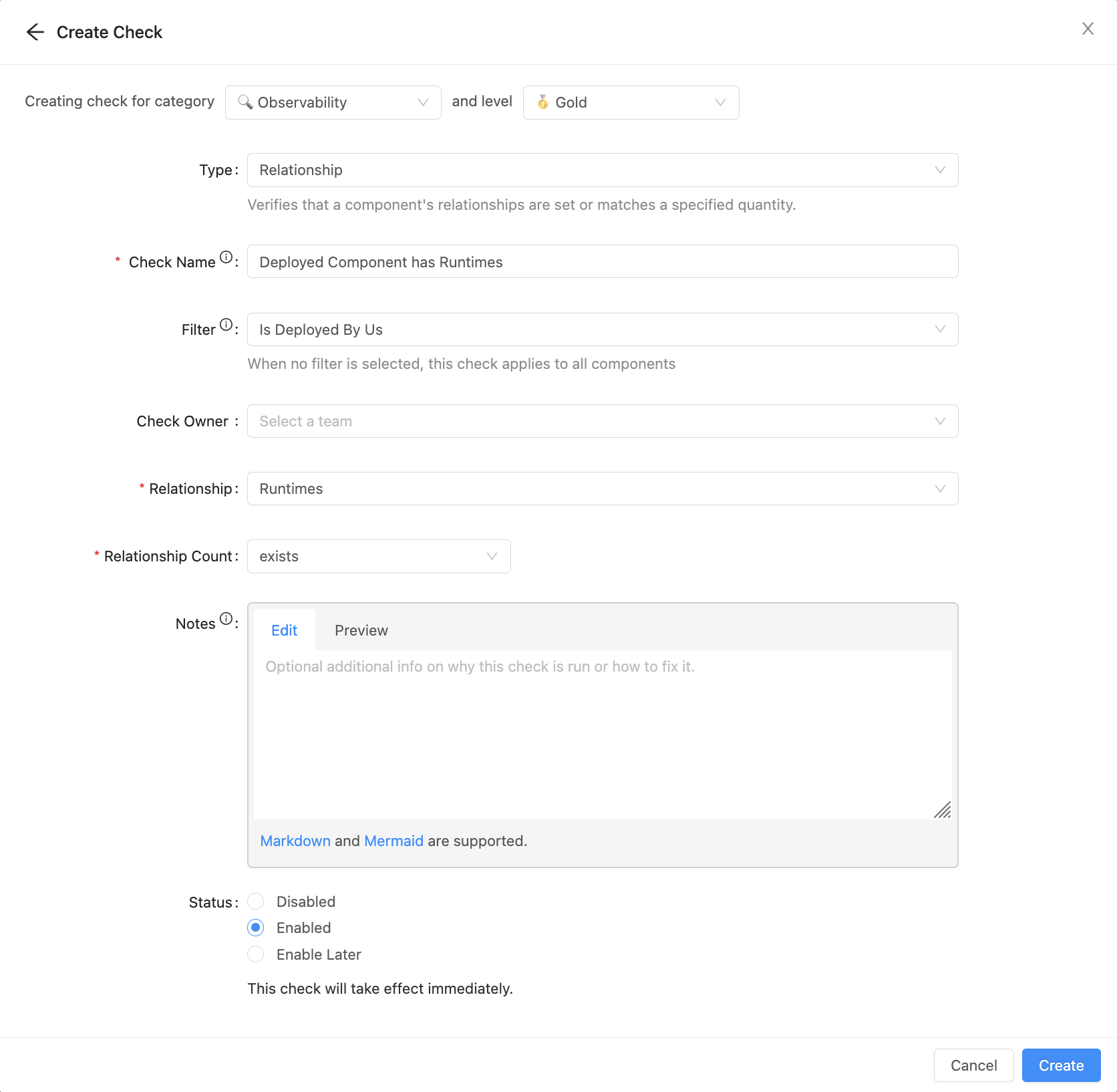
For less constrained metadata, you can simply ensure the relationship exists. For example, you can ensure any Runtimes are populated for each of the services you deploy.
Filter relationship checks by what matters
Go beyond a simple count. Relationship checks support an optional target filter: a JQ expression evaluated against each related component's custom properties. Only related components matching the filter count toward the check's constraint, so you can assert things about the properties of related components, not just how many there are.
This is especially useful with security tooling integrations (e.g., SAST tools), where scan findings are cataloged as components related to your services. Previously, a relationship check could only count related components; now you can assert something like "this component has no related security-scan finding with a critical vulnerability."
Example: no critical or high severity findings
Say your services have a security_findings relationship to finding components that carry a severity custom property. To assert a service has no related findings with critical or high severity:
- Create a relationship check targeting the security_findings relationship.
- Add a target filter with a JQ expression matching the findings you want to catch:
.severity | ascii_downcase | IN("critical", "high") - Set the constraint to require exactly 0 matching related components.
The check now passes only when a service has no related findings of critical or high severity — findings of lower severity don't cause a failure.
Updated 3 months ago